How to see road conditions in Kansas, Missouri and Kansas City amid snowfall
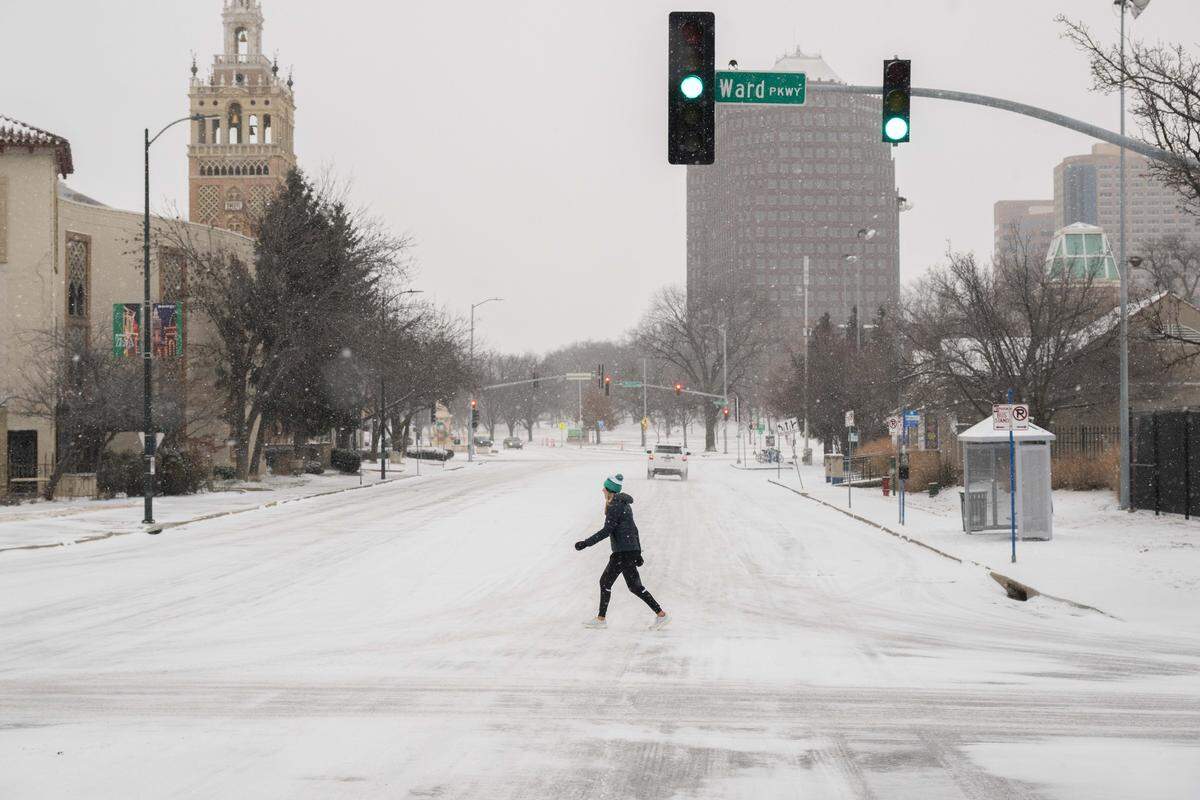
The snow has been falling in Kansas City, blanketing yards, sidewalks and landscaping. But the real concern is what the snow and freezing cold have done to the streets, highways and interstates.
Kansas Citians looking to prepare themselves for slick drives and avoid crashes might want to check the road conditions before they leave the house.
Luckily, there are cameras, maps and status updates that can give you a good sense of how the roads are on your planned route.
During major snowfall or ice events, the Missouri and Kansas departments of transportation often advocate avoiding travel if you can, since driving can be dangerous. Staying off the roads could also make it easier for plows and other snow-clearing vehicles to do their jobs without interruption.
But if you have to go out, being prepared for the conditions and cautious with your driving can make a big difference.
Here are state and local resources you can use to stay informed.
Viewing road cameras with KC Scout
In the Kansas City area, KC Scout provides real-time traffic notifications and roadway cameras through an online map and app. With support from MoDOT and KDOT, you can view accidents, camera feeds, scheduled closures and more.
Following KC’s plow progress
To see if a Kansas City road has been plowed, you can check the city of Kansas City’s Snow Plow map, which tracks the last time roadways were treated.
Checking Missouri road conditions
You can check if snow accumulated on Missouri highways with the MoDOT Traveler Map. The website’s winter weather data shows you road closures and highway conditions — green means clear from snow and purple is covered.
You can also use the site through an app — search “MoDOT Traveler Information” on your app store.
Call (888) 275-6636 for roadway information and sign up for MoDOT’s email and text alerts on the department’s website.
Checking Kansas road conditions
For Kansas highway conditions and cameras showing the current conditions, you can consult the KanDrive map.
For winter weather information, a blue road is partially covered with snow, purple means completely covered and brown indicates “seasonal roadway conditions,” meaning you should be alert for winter weather.
You can also use the site through an app — search “KanDrive” on your app store — and call 511 for roadway information.
If you click on a road, you can then look through traffic camera images showing its current condition at various points.
Other tips for driving in snow
Navigation apps like Google Maps, Apple Maps and Waze collect real-time information on traffic slowdowns and collisions.
Even if you know your route, apps can help anticipate hazards.
Once you have checked your route, follow these winter weather driving tips from the Missouri State Highway Patrol:
- Leave plenty of space between your vehicle and the one in front of you.
- Watch out for icy bridges and ramps.
- Clear all the snow off your car before driving.
- Use your headlights for visibility.
This story was originally published January 24, 2026 at 9:41 AM.