Paying for MLB.TV even though the Royals season is on hold? Here’s how to solve that
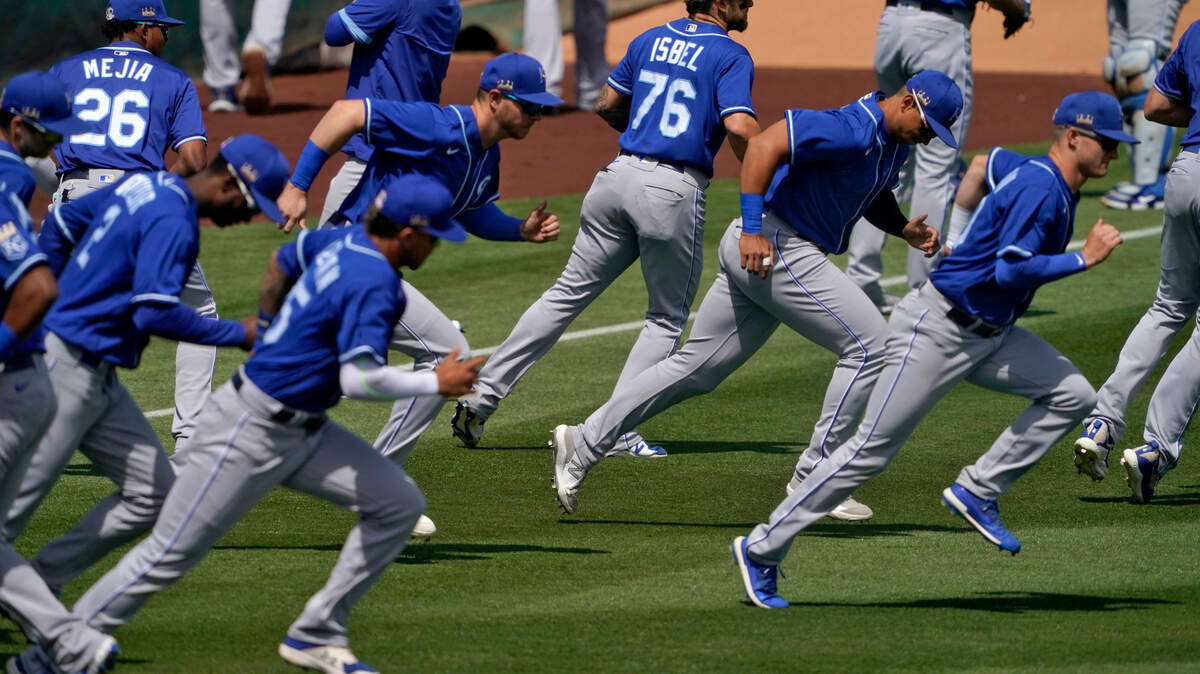
The MLB’s lockout is still on. The start of the season will be pushed back, as the battle between the MLB Players Association and the team owners continues.
Both sides didn’t come to an agreement before the 5 p.m. deadline on Tuesday, which will delay Opening Day on March 31.
If you have a subscription for MLB.TV, this is what you need to know if you don’t want to be charged.
MLB.TV announced Monday that the company won’t automatically renew subscriptions until an agreement is made between the MLBPA and the owners, which hasn’t happened yet. The subscriptions were set to automatically renew on March 1.
For Royals fans and fans in Kansas City for other teams, you might have the urge to cancel before it renews, so you won’t be charged full price for a season that won’t feature all 162 games, if any games at all.
If you fall into this boat, here’s what you need to do so you’re not paying for a full season’s worth of baseball.
HOW TO CANCEL YOUR SUBSCRIPTION
If you’re looking to sever your ties with MLB.TV, you can do so by logging in to your MLB account and accessing the “manage subscriptions” tab, which you can access here. You can also cancel your subscription by calling customer service at 866-800-1275.
If you call, you’ll have to provide a customer service representative with your name and MLB account information before they can walk you through the cancellation process. You can also email subscriptioncancel@website.mlb.com to cancel your subscription.
CAN I GET A REFUND?
According to MLB, they’ll refund you the full price of your subscription if you call to cancel within five days of your purchase or your renewal date. So since March 1 was supposed to be the renewal date, you can get a refund for the next four days. You can call the same number above, email the same email provided above or cancel it from your MLB account.
You have to do it within five days to get a full refund, as they don’t provide refunds for partially used months or unused months for annual subscriptions. If you do cancel after the fifth day of your service, you’ll have access to MLB.TV until the next payment date.
If you had a monthly subscription, you’ll have it until the following month, and if you had a yearly subscription, you’ll have it until the following year.
I WAS ALREADY CHARGED? WHAT DO I DO?
If you were charged through another service, such as Amazon or Apple TV, you’ll have to call MLB’s customer service number or email them, both of which are listed above. They’ll need your name and account information so they can work with you to process your refund request.
We reached out to MLB to learn how many customers were charged for their subscription and as of Feb. 28, MLB hasn’t responded. In a statement, MLB said they always issue refunds as requested.